Core Design / Game Concept
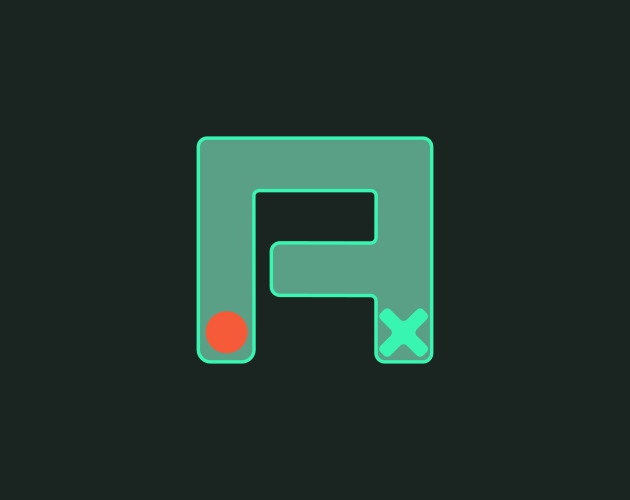
TWEAKARC is a 2D physics puzzle game where the ball must reach a target, but the player has no direct control over its movement. Instead, the player places and angles props to create a path that guides the ball toward the target. Ball speed is an important part of the puzzle—poor prop placement or angles can cause the ball to gain or lose too much speed, preventing it from reaching the target.
Design Principles
Player Freedom & Experimentation
The game is designed to give players freedom to explore each level and discover their own solution. Players are given limited resources, but the level layout allows multiple ways to reach the target.
Experimentation Loop
The core gameplay loop is based on experimentation: place and angle props → launch the ball → observe its path → reset if it fails → adjust the setup → try again.
Limited Resources, Multiple Solutions
Each level provides a limited number and selection of props. Levels are designed around these constraints while still allowing more than one possible solution.
Systems Design
Ball Movement System
The ball uses a physics-based movement system and is not directly controlled by the player. It starts with no initial velocity and begins moving in the direction of gravity. The height and distance of each bounce depend on the ball's speed, while different surfaces affect how much speed the ball gains or loses after impact.
Control System
The game uses a streamlined control scheme built around simple mouse interaction. The player does not need to learn complex controls, allowing the experience to stay slow and deliberate so attention remains focused on solving the puzzle.
Level Loading System
Levels are loaded and unloaded at runtime. Each level is stored as JSON data and instantiated into the scene when required, allowing the game to manage different puzzle layouts without creating a separate scene for every level.
Scoring System
Each level defines a baseline for the number of tries and bounces expected to complete it. The player's performance is compared against these values. Completing the level within both limits awards 5 stars, while exceeding the try or bounce limits adds a proportional penalty. As the combined penalty increases, the final star rating gradually decreases from 5 to 0.
Challenges & Solutions
Level Creation & Management
Challenge:
Creating every level as an individual Unity scene would make level creation and maintenance more complicated. Each new level would require a separate scene and repeated environment setup, making the project harder to manage as more levels were added.
Solution:
I created a custom Unity Editor tool that saves each level as JSON data. At runtime, the game reads the JSON file and generates the required level inside the main gameplay scene. This keeps the level system lightweight and makes levels easier to create, edit, and modify without maintaining a separate Unity scene for each one.
Scoring System
Challenge:
Using the same scoring requirements for every level would not work well because each level has a different layout, difficulty, and multiple possible solutions. A fixed number of tries or bounces could unfairly reward or penalize the player.
Solution:
Each level defines its own baseline for tries and bounces. The player's performance is compared against these level-specific values. Staying within both baselines gives the best score, while exceeding either one adds a proportional penalty that gradually reduces the star rating. This allows the scoring system to adapt to the expected difficulty and solution space of each level.
Technical Work
Custom Unity Editor Tool:
built a tool to create/save level data as JSON.
Runtime Level Loading:
loads and unloads level data into the gameplay scene at runtime.
Gameplay State Management:
handles states like Edit, Play, Reset, Completed
Prop Interaction System:
code for selecting, moving, rotating, and manipulating props.
Pooled Particle System:
Implemented an object-pooling system for particle effects, reusing existing particle objects instead of repeatedly instantiating and destroying them during gameplay.
What I Learned
Design:
I learned the importance of constraints in a gameplay loop. Even with a limited number of mechanics and resources, their interactions can create complex decisions and multiple ways for the player to solve a problem.
Technical:
I learned that a good technical system flow starts with a clearly defined design flow. Understanding exactly how the game should behave before implementing the system made it easier to structure the code and connect different systems together.